
HTML to PNG and JPG converter
Paste HTML code or open an .html file and get a PNG or JPG image, at 1x, 2x or 3x, with a transparent background if you like. Free, nothing to install, and nothing leaves your browser. For a live web page, a page behind a login or one built by JavaScript, use the free FullPage Capture extension instead.
How to convert HTML to PNG or JPG
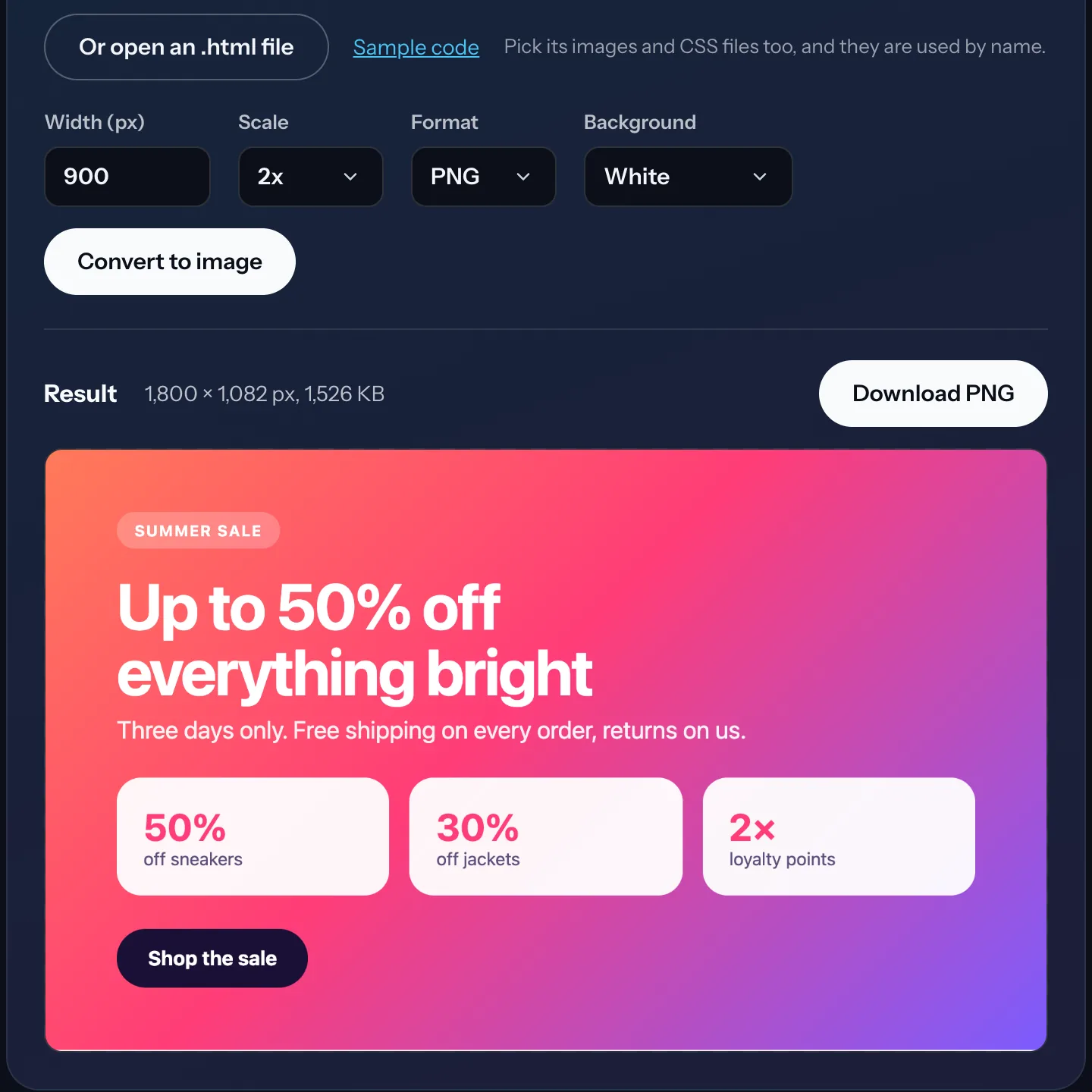
Paste the HTML, or open the file. Paste a full page or a fragment into the box. Or open an .html file from your computer; pick its images and CSS files in the same dialog and they are used by name.
Set the width and the scale. The width is the CSS width the code is laid out at, like a browser window. Scale 2x gives a sharp image on high-density screens and in print; 3x for very small text.
Convert and download. Press Convert to image, check the preview, then download PNG (lossless, optionally transparent) or JPG (smaller, white background).
What it is good for
- HTML email templates: a picture of the email for a review, a client or a design file.
- Social cards and banners written in HTML and CSS, exported as PNG at 2x.
- Code snippets and documentation: a block of HTML rendered as it looks, not as text.
- Local files: an exported report, an invoice, a saved page you have as .html.
- Transparent PNGs of badges, buttons and other pieces with no background.
The converter or the extension?
The converter draws code you already have. The extension photographs a page the way your browser shows it, after its scripts, fonts and images have loaded, including pages you are signed in to.
| HTML to PNG converter (this page) | FullPage Capture extension | |
|---|---|---|
| HTML code or a local .html file | Yes | YesAllow access to file URLs |
| A live page by its address | No | Yes |
| Pages behind a login, web apps | No | Yes |
| Content built by JavaScript | NoScripts are off | Yes |
| Very long pages | Up to ~32,000 px | YesSplit into parts beyond that |
| PDF with page breaks too | No | Yes |
| Nothing to install | Yes | NoFree, no account |
Questions
Is the HTML uploaded anywhere?
No. The conversion runs in your own browser: the code is laid out in a hidden frame on this page and painted onto a canvas there. Nothing is sent to our server or to anyone else. Images that the code links to are fetched from their own servers, as a browser would.
Does JavaScript in my HTML run?
No. The frame has scripts switched off, for safety and so the image is the same every time. If the page builds its content with JavaScript (a React app, a chart drawn by a script), open it in Chrome and capture it with the extension instead, which photographs the page after its scripts have run.
Why is an image or a font missing?
An image in the result has to be read by this page first, and some servers forbid that from other sites (CORS). The tool tells you how many it could not load. Pick local images together with the .html file, or use absolute links to servers that allow it. Web fonts from such servers fall back to a system font for the same reason.
PNG or JPG?
PNG keeps every pixel and can have a transparent background: right for screenshots of interfaces, text and email templates. JPG is smaller and always has a white background: fine for photos and for sending a quick preview.
How large can the image be?
Up to about 32,000 pixels on a side, the most a browser canvas allows. A very tall page at 3x is cut at that height and the tool says so; choose 1x or 2x for long pages.
Can I convert an HTML email template?
Yes, that is one of the main uses: paste the template, set the width to 600 or 640 px, and you get a picture of the email as a browser lays it out. Email clients differ from browsers in places, so check the important ones too.
How do I turn a live web page into PNG?
Use the extension: open the page in Chrome or Edge, click the icon, and the whole page, scripts, fonts and logins included, is saved as one PNG, JPG or PDF. Save a web page as PNG or JPG
Can the extension capture a local .html file?
Yes. Chrome keeps extensions away from files on your computer until you allow it: open chrome://extensions, choose Details under FullPage Capture and turn on Allow access to file URLs. Then open the file in Chrome and click the icon.
Need the whole live page as an image? Install the extension and click its icon on any page.
 Add to Chrome
Want a document rather than a picture? Save the web page as a PDF with page breaks between lines.
Related
 Save any webpage as a PNG or JPG image, the whole pageWebpage to PNG or JPG in one click: the entire page as one image, exactly as on screen, saved on your computer.
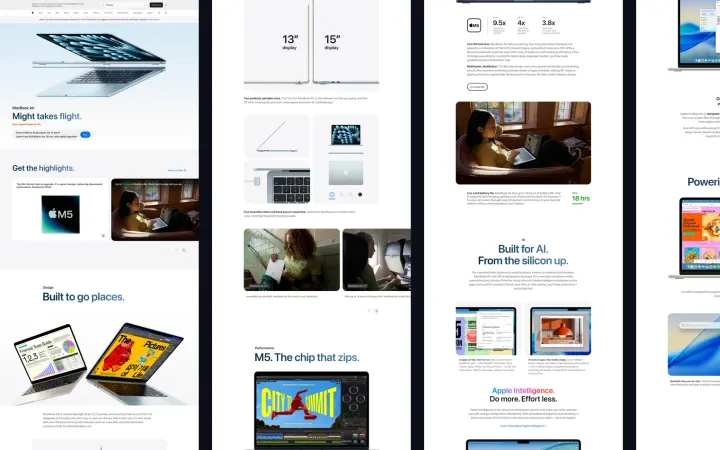 Scrolling screenshot, or long screenshot, of any web page in one clickA long screenshot of the whole page in Chrome or Edge on Windows, Mac, Linux and ChromeOS: sticky headers once, inner panels unrolled, lazy images waited for.
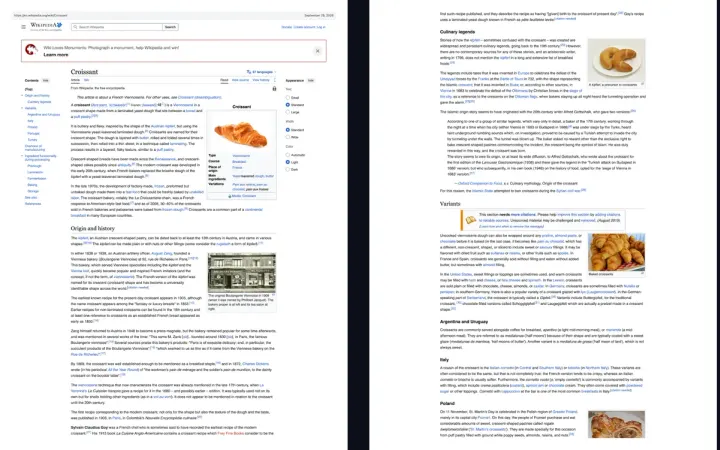 Save any webpage as a PDF, without cutting it offWebpage to PDF that looks like the screen: one long page or A4, Letter, Legal with page breaks between lines and clickable links.