
How to export a Notion page to PDF
Notion exports any page to PDF from the ••• menu: More, Export, PDF, with a paper size and a scale. Subpages come along only on Business and Enterprise plans. Here are the steps, the limits worth knowing, and how to save a Notion page as a PDF that looks exactly like it does on screen.
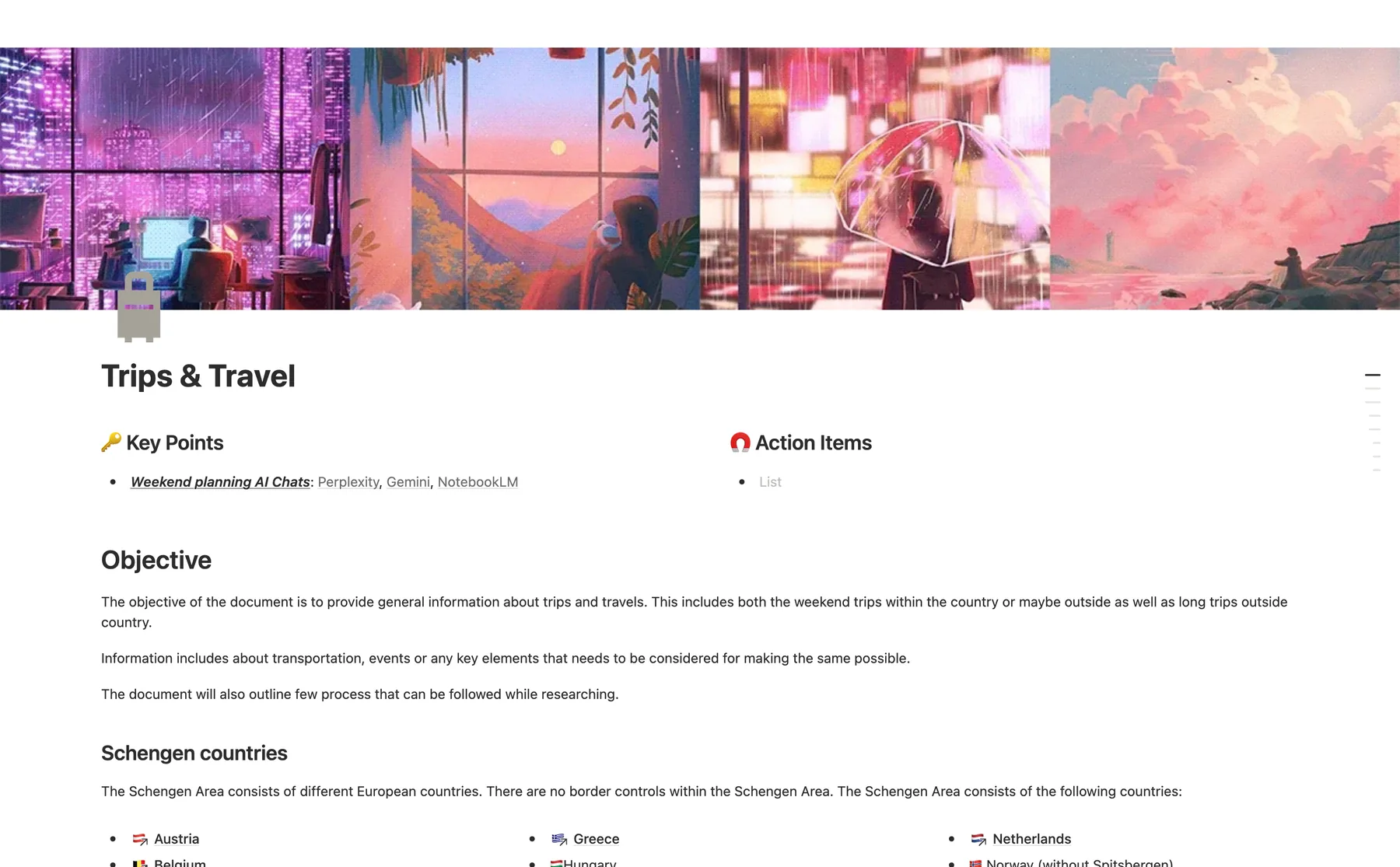
The short answer
••• (top right) → More → Export → Export format PDF → Export. For a PDF that keeps the on-screen layout, capture the page instead.
How to export a Notion page to PDF
Open the page. In the Notion app or at notion.so, the page or database you want.
•••, More, Export. The three-dot menu at the top right, then More, then Export.
Choose PDF and the paper. Export format: PDF. Then Include content (everything, or without files and images), Page format (Letter, A4 and others) and Scale percent.
Export. Click Export and choose where to save the file. On a phone, the share sheet opens and Notion also emails a link.
What the export leaves out
- Subpages only on Business and Enterprise (a zip of PDFs, sent by email).
- Form views of a database cannot be exported.
- Custom emojis do not appear.
- The layout changes: the page is reflowed to the paper size, so wide tables, columns and boards look different from the screen.
- If a PDF export fails, Notion exports HTML instead.
Save a Notion page as a PDF that looks like the screen
FullPage Capture, a free extension that saves a Notion page as PDF, photographs the page as you see it, so a roadmap, a board or a wide table keeps its layout, colours and cover image.
Install FullPage Capture. From the Chrome Web Store or Edge Add-ons. Free, no account, no watermark.
Open the page in Chrome. Expand the toggles you want in the PDF and switch the database to the view you need: the capture keeps the page as you have it.
Click the extension icon. Or press Ctrl+Shift+K (⇧⌘K). Notion scrolls inside a panel; the extension finds it and unrolls the whole page, sidebar and header captured once.
Save as PDF. One long page, or Letter and A4 with page breaks between lines, never through a line or an image. Or PNG.
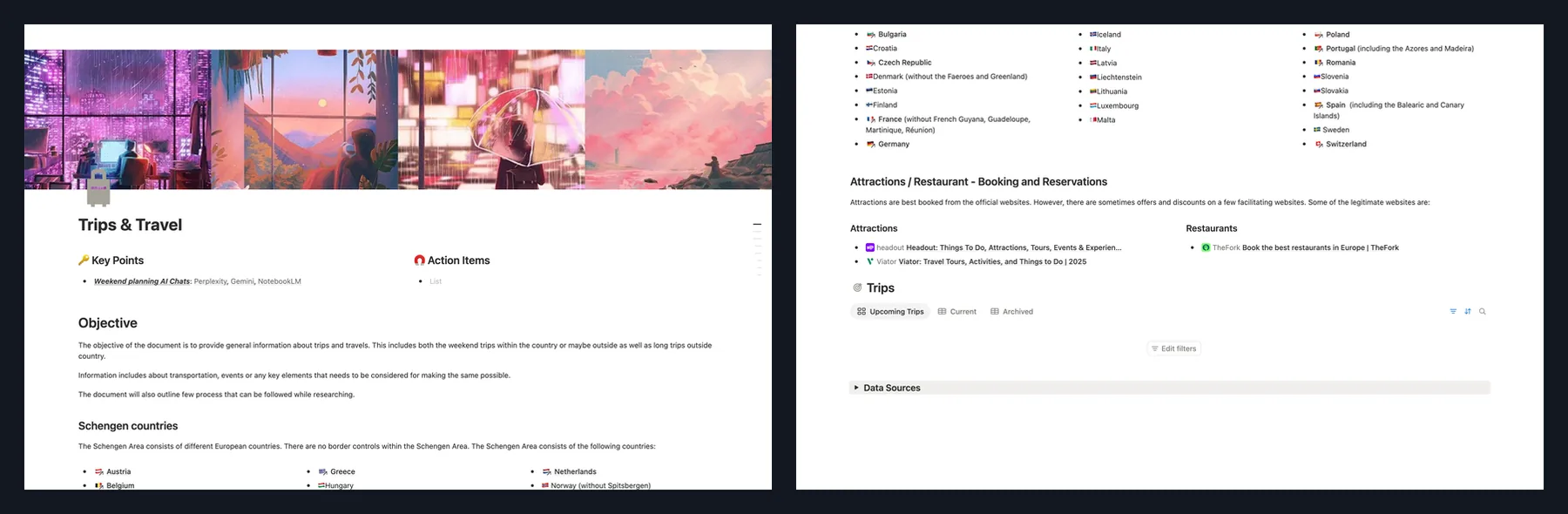
Capture the Notion page you have open. Free, no account, nothing is uploaded.
 Add to Chrome
Which method for which job
| Notion Export, PDF | FullPage Capture capture | |
|---|---|---|
| Selectable text in the PDF | Yes | Pro (searchable PDF) |
| Looks exactly like the screen | No | Yes |
| Boards, timelines, wide tables | Reflowed | Yes |
| Subpages in one go | Business, Enterprise | No |
| Annotate and blur before sharing | No | YesSaving an edited image is Pro |
Questions
Can I export Notion to PDF on the free plan?
Notion's help describes the PDF export without a plan requirement for a single page. Exporting a page together with its subpages (Include subpages) is for Business and Enterprise plans.
How do I export a Notion page with all its subpages?
Include subpages in the Export window, on Business and Enterprise plans: Notion builds a zip of PDFs and emails you a link. On other plans, export each page, or export the workspace as HTML or Markdown.
Can I export a Notion database to PDF?
Yes, a database page exports like any page. A Form view cannot be exported, and a full-page database cannot be printed from the browser: export it to PDF first, then print the PDF.
Why does my Notion PDF look different from the page?
The export lays the page out for paper: the width changes with the page format and scale, and custom emojis are left out. A capture keeps the page as it looks on screen, which is the better choice for sharing a design, a roadmap or a board.
How do I print a Notion page?
Export it to PDF and print the PDF. Printing straight from the browser works for many pages but not for full-page databases.
Is my page uploaded when I capture it?
No. The extension captures inside your browser and writes the file to your disk. Privacy
Try it on the page you are reading. Free, no account, no watermark. Nothing is uploaded.
Add to ChromeRelated
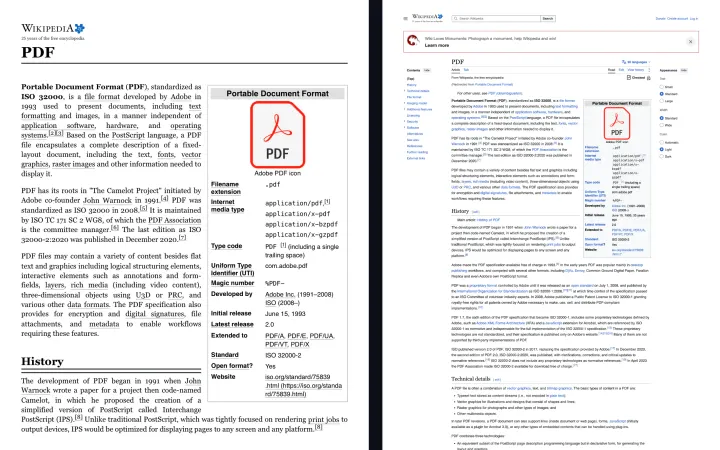 How to save a webpage as a PDF without cutting it offWhy Chrome's Save as PDF cuts lines and loses panels, the print settings that help, and how to get a PDF that looks exactly like the page, with clickable links.
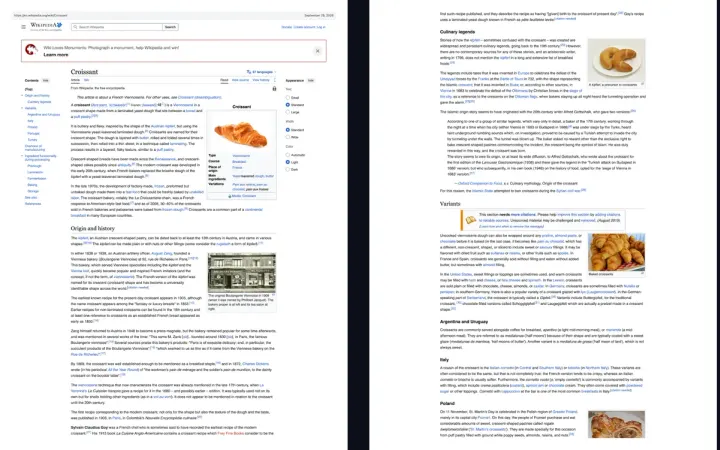 Save any webpage as a PDF, without cutting it offWebpage to PDF that looks like the screen: one long page or A4, Letter, Legal with page breaks between lines and clickable links.
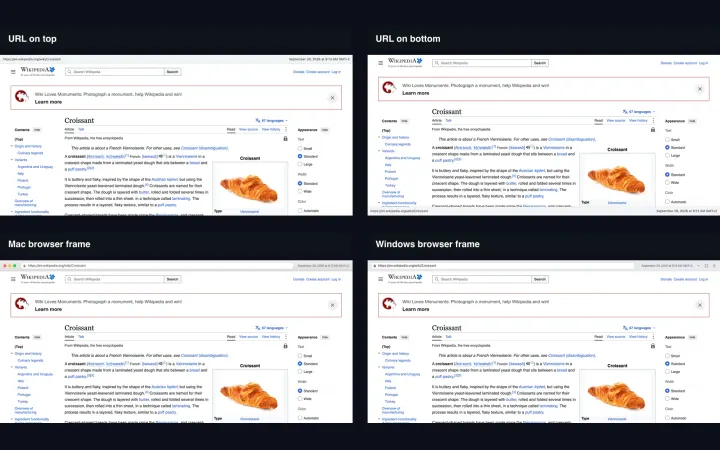 PDF exportOne long page or Letter, Legal and A4, page breaks between lines, clickable links, URL and date stamp; searchable text with Pro.