
How to save a Google Analytics, Google Ads or Search Console report as PDF
Google Analytics and Google Ads can download a report as a PDF; Search Console, Shopify, Stripe and PageSpeed Insights cannot, they export numbers as CSV at best. Here is the built-in route for each tool, and how to save any dashboard as a PDF that looks exactly like your screen, filters, charts and all, for a client, a manager or your own records.
The short answer
| PDF built in | Other exports | |
|---|---|---|
| Google Analytics 4 | Yes: Share this report, Download File | CSV |
| Google Ads | Yes: download icon, PDF | CSV, TSV, XML, Google Sheets |
| Search Console | No | Google Sheets, Excel, CSV (1,000 rows) |
| Shopify admin reports | No | CSV |
| Stripe dashboard | No | CSV |
| PageSpeed Insights | No | None |
Where there is no PDF, or the PDF leaves out what you see, capture the page: that works the same on every dashboard.
Google Analytics report to PDF
Open the report. In Google Analytics 4, Reports in the left menu, then the report you want, with the date range and comparisons set.
Share this report. Click the Share this report icon at the top right.
Download File, then Download PDF. Or Download CSV for the numbers (up to 100,000 rows). You need at least the Viewer role on the property.
Google Ads report to PDF
Open the table or report. Campaigns, ad groups, keywords, or a report from Reports, with the columns, segments and date range you want.
Click the download icon. Above the table, at the right.
Choose PDF. Or Excel .csv, .csv, .tsv, .xml or Google Sheets. To send it on a schedule, schedule the report and pick the format for the email.
Search Console, Shopify, Stripe and the rest
Search Console's Export button gives Google Sheets, Excel or CSV, cut to 1,000 rows, and no picture of the chart. Shopify's reports and Stripe's lists export CSV. PageSpeed Insights has no export at all. The numbers are useful in a spreadsheet; a report for a person usually needs the dashboard itself.
Save any dashboard as a PDF that looks like the screen
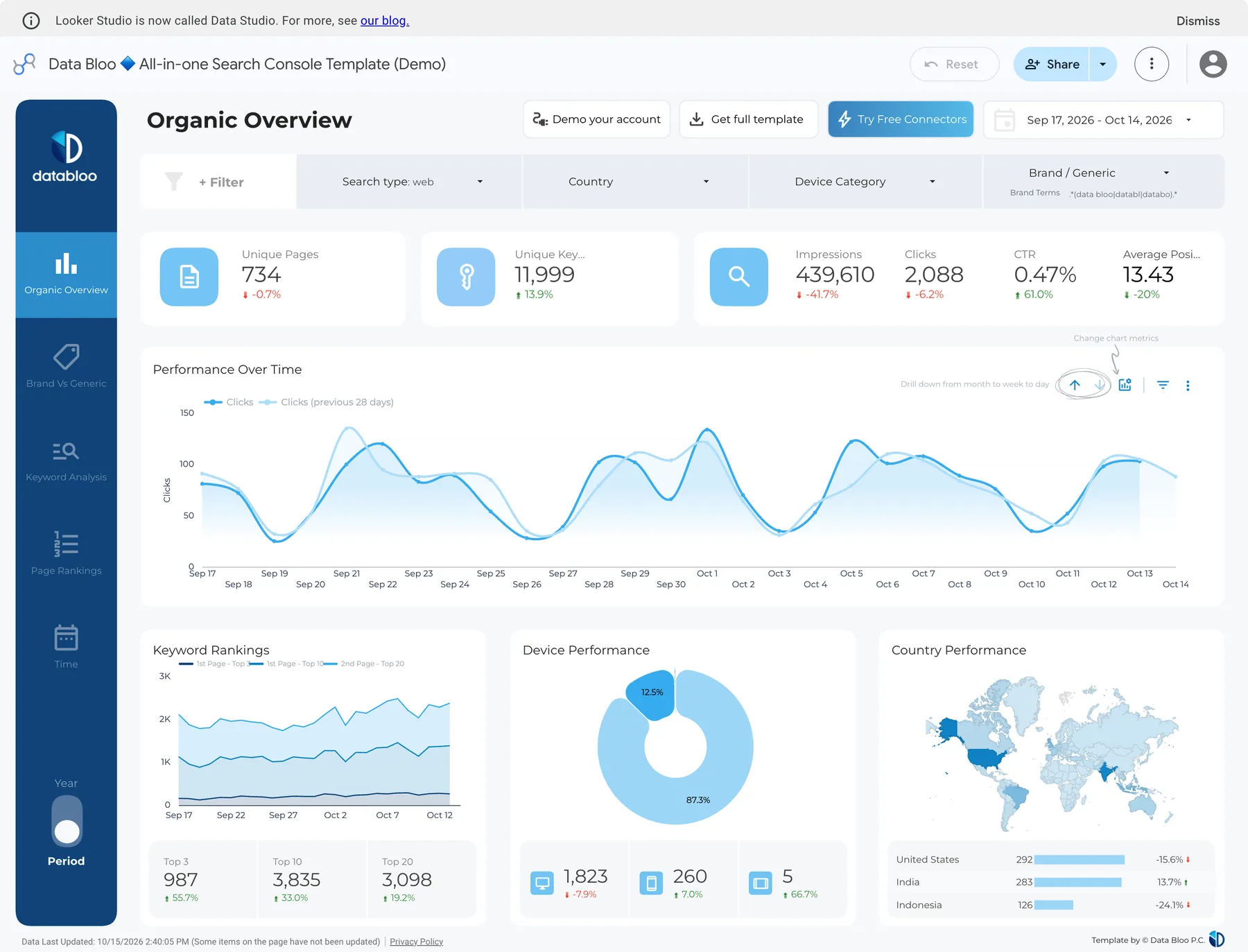
Dashboards are web apps: the page itself barely scrolls, the panels inside it do. FullPage Capture, a free extension that saves a dashboard as PDF, finds the panel that scrolls, captures the whole window once, sidebars included, then unrolls the panel, so the PDF shows the dashboard as it looks, complete.
Install FullPage Capture. From the Chrome Web Store or Edge Add-ons. Free, no account, no watermark.
Set the dashboard up. Date range, filters, comparison, the tab you want; expand the tables you want to see in full.
Click the extension icon. Or press Ctrl+Shift+K (⇧⌘K). The whole dashboard is captured, including panels that scroll inside the page, the way it looks on your screen.
Save as PDF or PNG. One long page, or Letter and A4 with page breaks between rows. Turn on the address-and-date stamp for a client report; blur client names or revenue before sending.
Capture the dashboard you have open. Free, no account, nothing is uploaded.
 Add to Chrome
Which method for which job
| Built-in PDF / CSV | FullPage Capture capture | |
|---|---|---|
| Raw numbers for a spreadsheet | Yes | No |
| Looks exactly like your screen | No | Yes |
| Works on every dashboard | No | Yes |
| Charts and filters as set | Sometimes | Yes |
| Address and date on the page | No | Yes |
| Blur client data before sending | No | YesSaving an edited image is Pro |
| Scheduled emails | GA4, Google Ads | No |
Questions
How do I export a Google Analytics report to PDF?
In GA4: Reports, open the report, click Share this report at the top right, then Download File and Download PDF. You need at least the Viewer role on the property.
Can I download a Google Ads report as a PDF?
Yes. Above a statistics table or in a saved report, click the download icon and choose PDF; Excel .csv, .csv, .tsv, .xml and Google Sheets are there too. Scheduled reports can be emailed as PDF.
Can I export Search Console to PDF?
Not directly: the Export button offers Google Sheets, Excel and CSV, up to 1,000 rows. For a PDF of the report as you see it, with its chart, capture the page and save it as PDF.
How do I send a client a monthly PDF report?
Google Ads can email scheduled reports as PDF and GA4 has scheduled emails for reports. For a report that combines several tools, or shows exactly what you see with filters set, capture each dashboard and save the captures as PDF, with the address and date stamped on them.
Will client data stay private?
The extension captures inside your browser and saves the file on your computer; nothing is uploaded. You can blur names, emails and revenue before saving. Privacy
Can I capture many dashboards at once?
Pro has batch capture: paste up to 200 addresses, or add open tabs, and each page is captured whole while you work on something else, into separate files or one PDF. Batch capture
What about Shopify, Stripe or PageSpeed Insights?
Shopify reports export CSV and Stripe exports CSV; neither gives a PDF of the dashboard itself. PageSpeed Insights has no export button. Capture the page you see and save it as PDF or PNG.
Try it on the page you are reading. Free, no account, no watermark. Nothing is uploaded.
Add to ChromeRelated
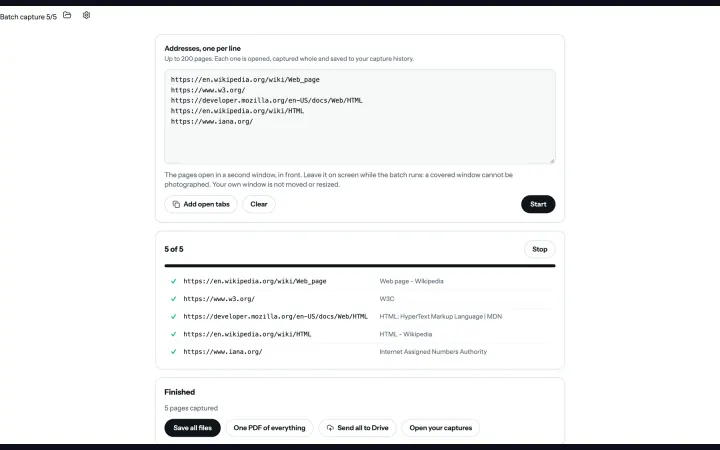 Batch captureUp to 200 addresses or your open tabs, every page captured whole in one run, saved as files or one PDF. Pro.
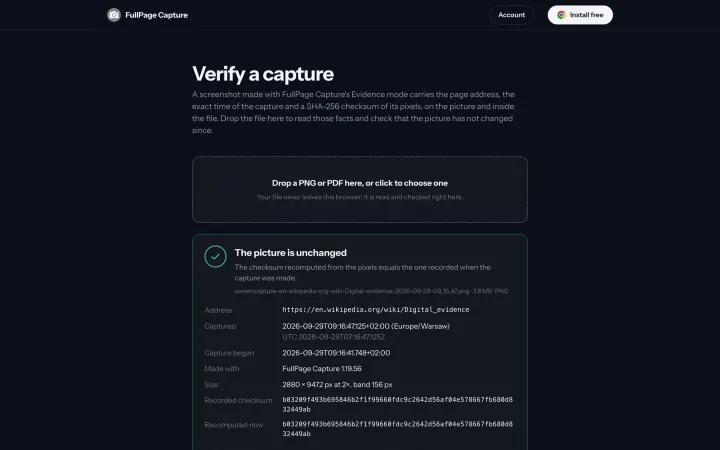 Evidence modeAddress, exact time and a SHA-256 checksum on every export and inside the file, verifiable by anyone at /verify/. What it proves and what it does not. Pro.
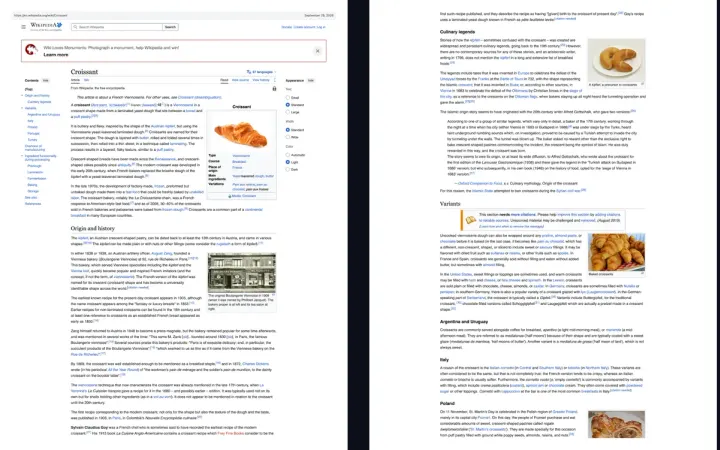 Save any webpage as a PDF, without cutting it offWebpage to PDF that looks like the screen: one long page or A4, Letter, Legal with page breaks between lines and clickable links.