
How to save an AI chat as a PDF: ChatGPT, Claude and Gemini
Only one of the big three assistants has a button that saves the conversation you are looking at as a PDF: Gemini, since this autumn. ChatGPT and Claude export your whole account, share a chat as a link, and leave the rest to your browser's print dialog. Here is what each one offers in October 2026, tested side by side, and the one method that saves a whole chat, exactly as it looks, from any of them.
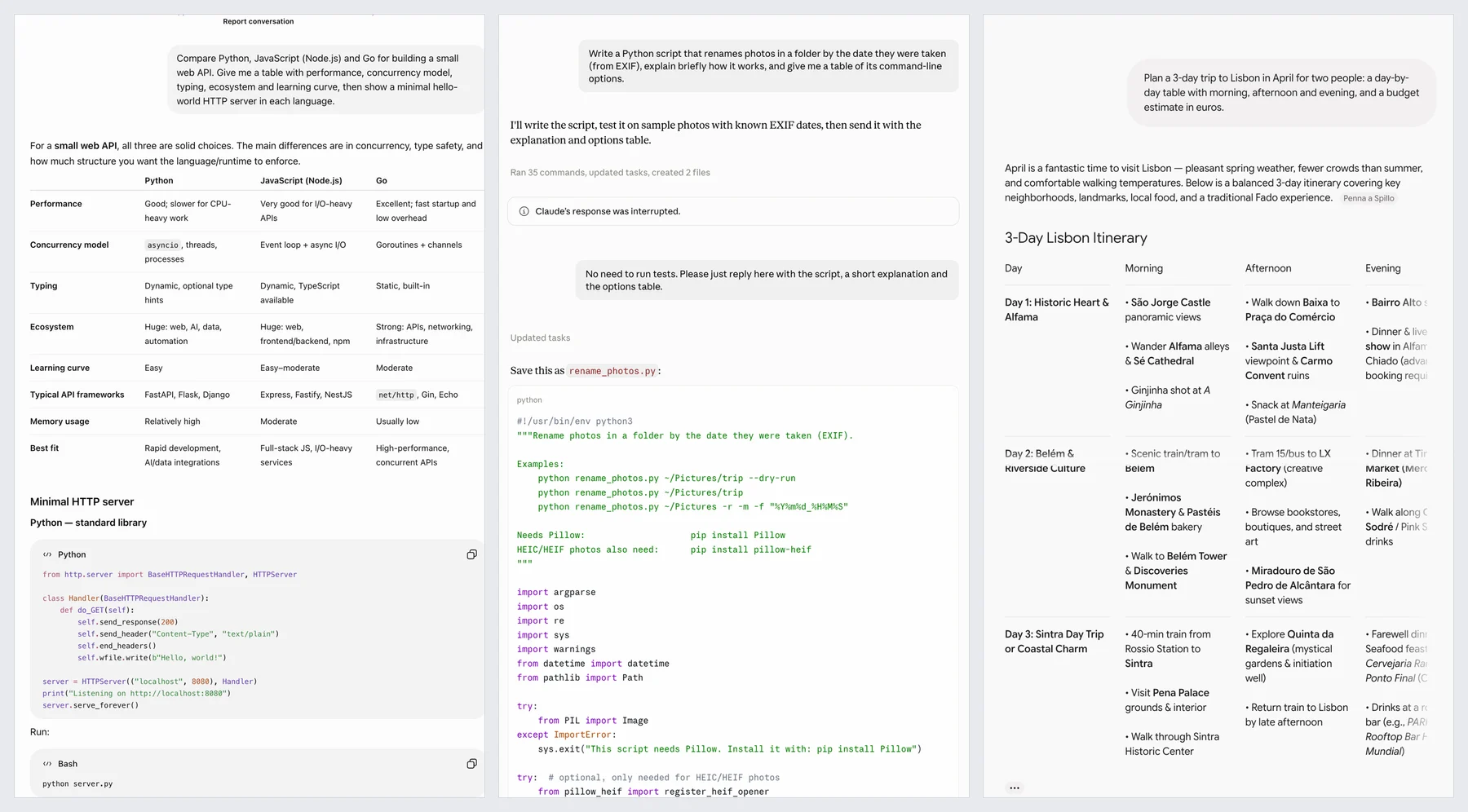
What each assistant lets you export
| ChatGPT | Claude | Gemini | |
|---|---|---|---|
| One chat as PDF | No button; print the share link | No button; print the share link | Download PDF, a document of the whole chat |
| Account export | ZIP by email, link valid 24 h | Data files by email, link valid 24 h | Google Takeout, link valid 7 days |
| Share link | Snapshot, Update link | Email invite or public link, snapshot | Share via Drive, or a public link, depending on the account |
| Other exports | Copy; writing blocks | Artifact Export: Word, PDF, Markdown, Docs | Export to Docs |
| Ctrl+P | Share link printed in full in our test; very long chats reported cut | Share page prints, expand messages first | Use Download PDF instead |
The details, menus and catches are in each guide: ChatGPT, Claude, Gemini.
Where printing falls short
Printing a share link, or Gemini's Download PDF, gives you a document: the conversation re-laid out for paper, which is often exactly what you want. It falls short in three cases. Very long chats are loaded in sections, and what is not loaded does not print. Messages folded behind Show more are left out. And anything that should look like the screen, a dark theme, code colours, a wide table, an image in place, comes out as the paper version.
One method for all three, as it looks
A full page screenshot extension scrolls the chat's own panel, waits for each section to load and stitches everything into one picture, then lays it out as PDF pages. These steps are for FullPage Capture, a free Chrome extension to save AI chats as PDF, which we make.
Install FullPage Capture. From the Chrome Web Store or Edge Add-ons. Free, no account, no watermark.
Open the conversation. In ChatGPT, Claude or Gemini, or its share link. Click Show more on long messages you want in full.
Click the extension icon. Or press Alt+Shift+K. The extension finds the panel the chat scrolls in, scrolls it end to end and stitches it into one picture.
Save as PDF or PNG. One long PDF page, Letter or A4 with breaks between lines, or one tall PNG.
Save your AI chats as PDFs. Free, no account, nothing is uploaded.
 Add to Chrome
Questions
Which AI chat is easiest to save as a PDF?
Gemini, now that it has Download PDF in the conversation menu. For ChatGPT and Claude, print the chat's share link: in our test ChatGPT's printed in full, and Claude's share page has print styles; expand folded messages first.
Why not ask the assistant to make the PDF?
ChatGPT, Claude and Gemini can all create PDF files on request, but they write them from the conversation and may summarise, reword or leave things out. For a faithful record, use an export or a capture.
Are share links a safe archive?
No. They are snapshots on the provider's servers that disappear when you delete the chat or the link, and a Gemini link also disappears when auto-delete removes the chat.
Does the capture stay on my computer?
Yes. It is made in your browser and written to your disk; the extension makes no network requests of its own. Privacy
Try it on the page you are reading. Free, no account, no watermark. Nothing is uploaded.
Add to Chrome