
How to export a WhatsApp Web chat to PDF
WhatsApp's Export chat exists only in the phone app, and it gives you a text file. WhatsApp Web and WhatsApp Desktop have no export at all. Here is how the phone export works, what WhatsApp Web can and cannot show you, and how to save a conversation from your computer as a PDF or one long image that looks like the chat.
The short answer
For a complete text archive: Export chat on your phone. To save a chat from your computer, as it looks, with the photos in place: open it in WhatsApp Web, scroll up to where you want it to start, capture it and save the capture as a PDF.
Method 1: Export chat on the phone
Open the chat on your phone. Individual or group chat, in the WhatsApp app on Android or iPhone.
More, Export chat. Android: the three-dot menu, More, Export chat. iPhone: tap the contact or group name, then Export chat.
With or without media. Choose Without media for text only, or Include media to attach recent photos and files. Then send the file to yourself by email or save it to your files.
The result is a .txt file with one line per message, date, time and sender, plus the media files if you chose to include them. It is complete and searchable, and it reads nothing like the chat: no bubbles, no photos next to the messages they belong to, no reactions. It cannot be imported back into WhatsApp. If someone in the chat has turned on Advanced Chat Privacy, Export chat is blocked.
What WhatsApp Web can save
Nothing, directly. There is no Export chat in WhatsApp Web or the Desktop app, and printing the page gives you one screen of the chat, because the messages scroll inside a panel. What WhatsApp Web does have is the chat itself, rendered as you see it on the phone, for as far back as your computer has synced.
Method 2: capture the chat in WhatsApp Web
These steps are for FullPage Capture, a free extension to save WhatsApp Web chats as PDF, which we make.
Install FullPage Capture. From the Chrome Web Store or Edge Add-ons. Free, no account, no watermark.
Open the chat in WhatsApp Web and load it. At web.whatsapp.com, open the conversation and scroll up to the first message you want, so WhatsApp has loaded it. Older messages appear only as you scroll up.
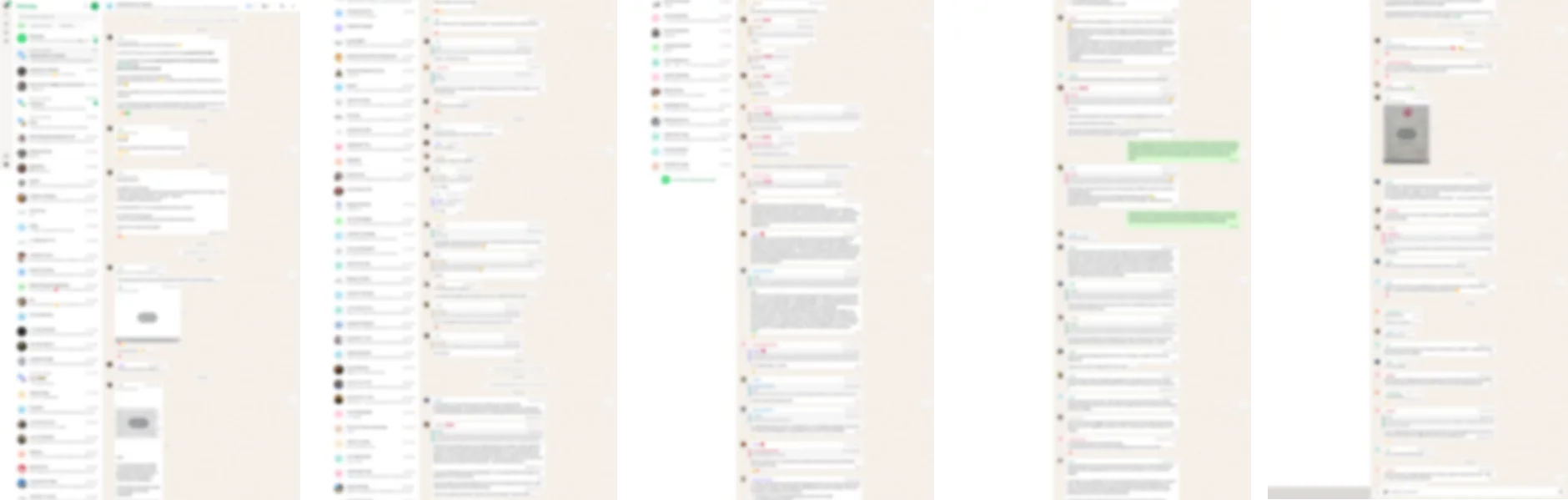
Click the extension icon. Or press Alt+Shift+K. The extension finds the message panel, scrolls it from the top of what is loaded to the newest message, and stitches it into one picture: bubbles, photos, voice notes and reactions as they look.
Save as PDF or PNG. Letter or A4 with breaks between messages' lines, one long PDF page, or one tall PNG. Stamp the address and date if you need a record of when you saved it.
Save a WhatsApp chat from your computer. Free, no account, nothing is uploaded.
 Add to Chrome
Which method for which job
| Export chat (phone) | FullPage Capture capture (WhatsApp Web) | |
|---|---|---|
| From a computer | No | Yes |
| Looks like the chat | NoPlain text | Yes |
| Photos next to their messages | NoSeparate files | Yes |
| The whole history | Yes | What the computer has synced |
| Searchable text | Yes | Pro |
| Media files themselves | Include media | No |
| No | Yes |
Questions
Is there an Export chat option in WhatsApp Web or WhatsApp Desktop?
No. WhatsApp's own help page describes Export chat for Android and iPhone only. On a computer there is no export; capturing the chat is the way to save it.
Why does WhatsApp Web not show my old messages?
A linked computer holds only part of your history, synced from the phone, and loads older messages as you scroll up. Very old messages may only be on the phone. For a complete history, export from the phone.
Will the PDF include photos and voice messages?
Photos and stickers appear as they do in the chat. Voice messages and videos appear as their players, not as playable media. The phone's Include media export attaches the files themselves.
Can I export a chat if the other person turned on Advanced Chat Privacy?
Not with Export chat: Advanced Chat Privacy blocks it. That setting is the other person telling you they do not want the conversation taken out of WhatsApp, so respect it.
Can I import the export back into WhatsApp?
No. WhatsApp says an exported chat cannot be re-imported. To move chats to a new phone, use WhatsApp's own backup and transfer.
Is the chat uploaded when I capture it?
No. The capture is made inside your browser and saved to your disk. The extension makes no network requests of its own. Privacy
Try it on the page you are reading. Free, no account, no watermark. Nothing is uploaded.
Add to Chrome